Hackers flooded GitHub with 300 fake repos to steal passwords, crypto, and credentials
There’s a quiet war playing out in GitHub’s repository listings, and most developers won’t notice until it’s too late. Security firm Arctic Wolf has uncovered a campaign dating back to June 26, where attackers created at least 292 counterfeit GitHub repositories impersonating well-known software and security brands. Every single one of them was a trap.
The modus operandi is straightforward but effective. Each fake repo carried a poisoned README file with a link to a phony “secure download” page. Click through, download what looks like legitimate software, and you’ve just installed BoryptGrab — a Windows information stealer built to strip your machine bare.
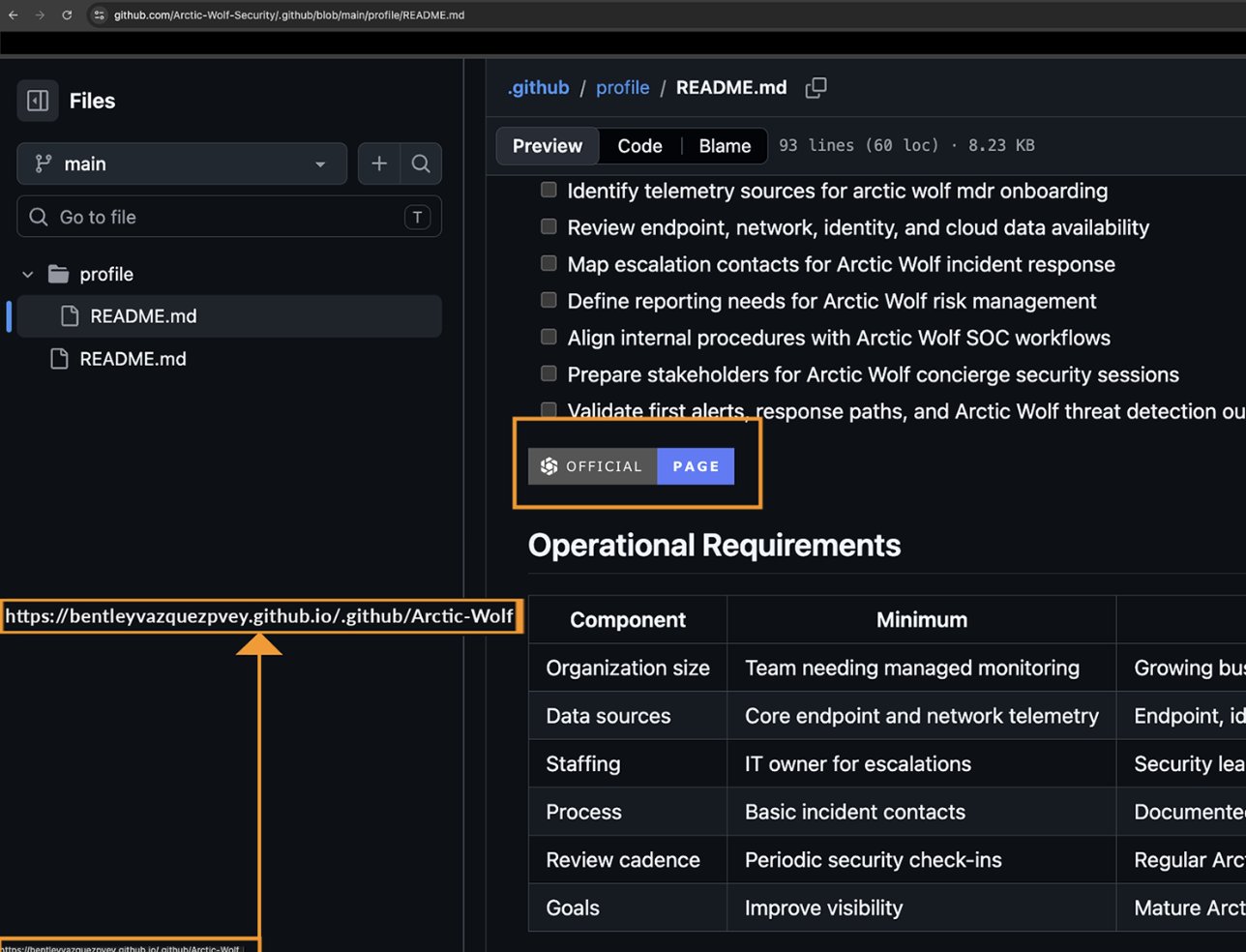
Arctic Wolf’s reverse engineering of BoryptGrab revealed 11 distinct theft modules packed into the malware. It targets browser-saved passwords, cookies, and cryptocurrency wallet data. It goes after Telegram, Discord, Steam, and MetaMask credentials — anything that represents digital identity or value. The trojan also exfiltrates file listings from the Desktop and Documents folders, takes screen captures, and uploads whatever it finds in Windows Credential Manager to the attackers’ command-and-control server.
By the time Arctic Wolf published its findings, it had coordinated with GitHub to take down most of the malicious repositories. But “most” isn’t “all.” Dozens of repos remain active, and the phishing download servers the attackers set up are still online. Anyone downloading software through links in GitHub README files should treat the source with skepticism until this is fully cleaned up.
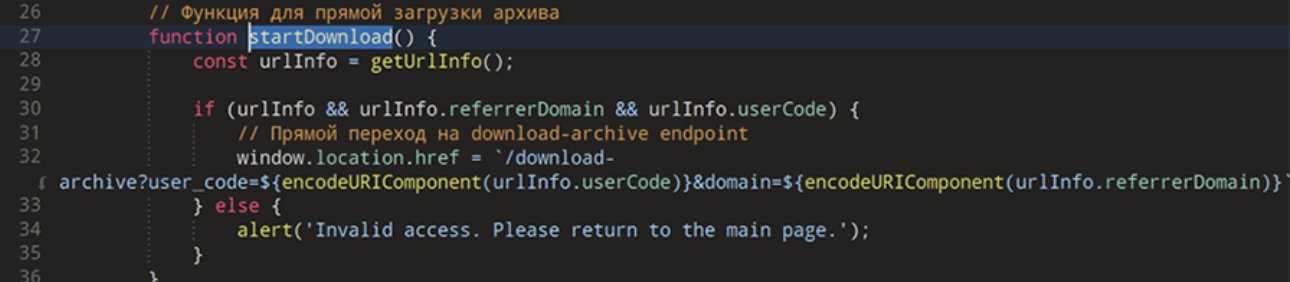
This is the sort of attack that preys on trust — the assumption that a GitHub repository with a professional-looking README is safe. That assumption gets less reliable by the day. If you’ve downloaded anything from an unfamiliar GitHub repo in the last three weeks, it’s worth checking what actually landed on your machine.