Apple iOS 27 Beta 2: Spending Insights, Siri-Powered Writing, and RCS Inline Replies
Apple has released the second developer beta of iOS 27, delivering a raft of meaningful upgrades across Wallet, Siri, messaging, and the smart home. The update, pushed to iPhone 17 series devices and compatible older models on June 23, brings Apple closer to the polished public release expected later this year.
Apple Wallet Gains Spending Insights
The Wallet app receives one of the most practical upgrades in this beta. Tapping the “…” button in the top-right corner now surfaces a new Insights feature that lets users connect multiple financial accounts for consolidated spending monitoring.
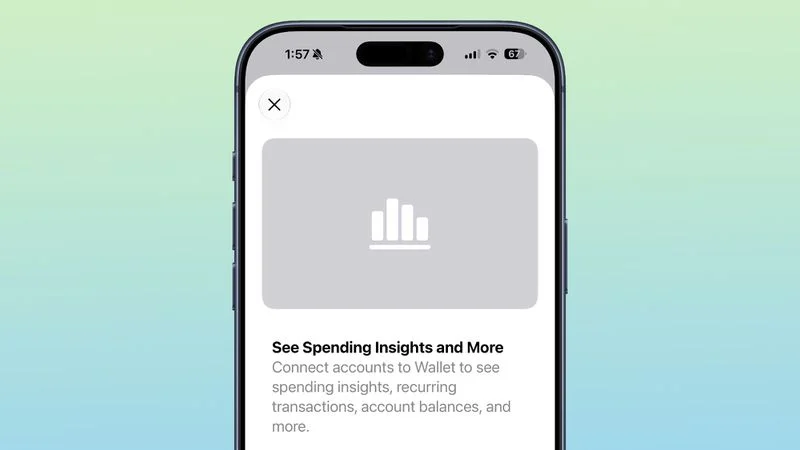
According to the onboarding screen, iPhone users can link several accounts to view detailed spending breakdowns, recurring transactions, account balances, and more — all from within Wallet. On the privacy front, Apple’s terms state that the device connects to financial institutions through a wholly owned Apple subsidiary, which collects, categorizes, and standardizes account information for on-device display. Critically, account data is not stored on Apple’s servers.
Writing Tools Reborn as “Write with Siri”
Apple is folding its AI writing capabilities more tightly into the Siri brand. The Writing Tools panel, introduced with iOS 18 under the Apple Intelligence umbrella, has been reworked as “Write with Siri” in iOS 27 Beta 2.
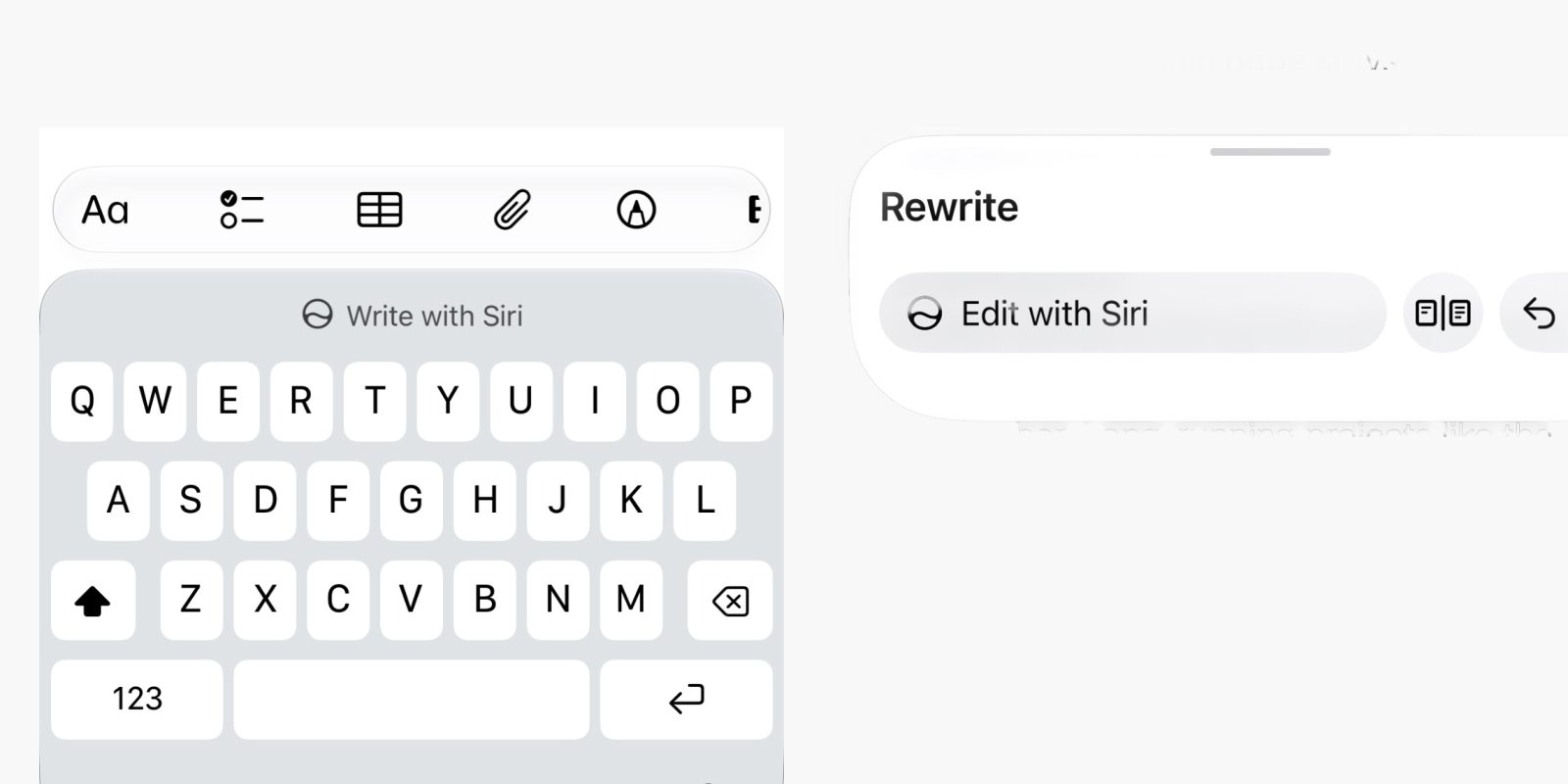
When editing text, the keyboard now prompts users with a “Write with Siri” suggestion. Through natural language commands, Siri can generate new text, proofread existing content, or rewrite passages in a different style. The interface adapts contextually: when no text has been typed, a prominent “Write with Siri” chip appears in the suggestion bar; once text is present, a smaller Siri button nestles beside the predictive text region for quick access.
Remote Apple TV Updates via Home App
The Home app picks up a small but welcome quality-of-life improvement: Apple TV units now appear under the “Updates” section in settings, enabling remote software installation.
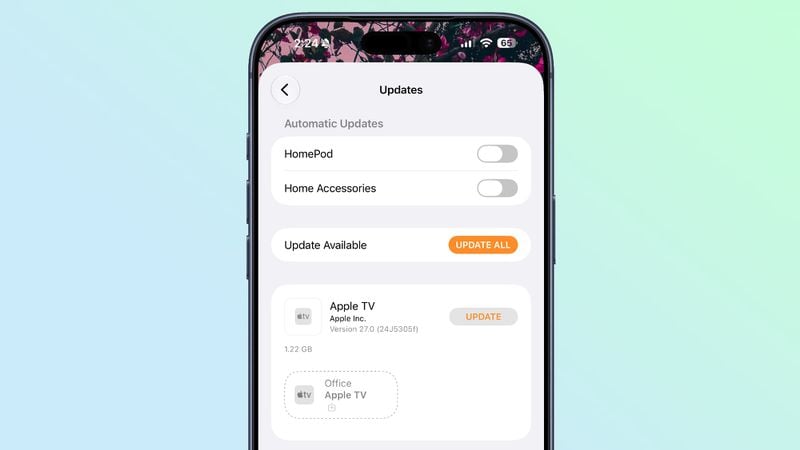
Users no longer need to wake the television and navigate on-screen menus — tapping the update button for an Apple TV installs the latest software in the background, much like updating a HomePod or HomePod mini.
AirPods Max 2 Beta Firmware Returns
As promised during the Beta 1 announcement, Apple has restored the ability to install beta firmware on AirPods Max 2.
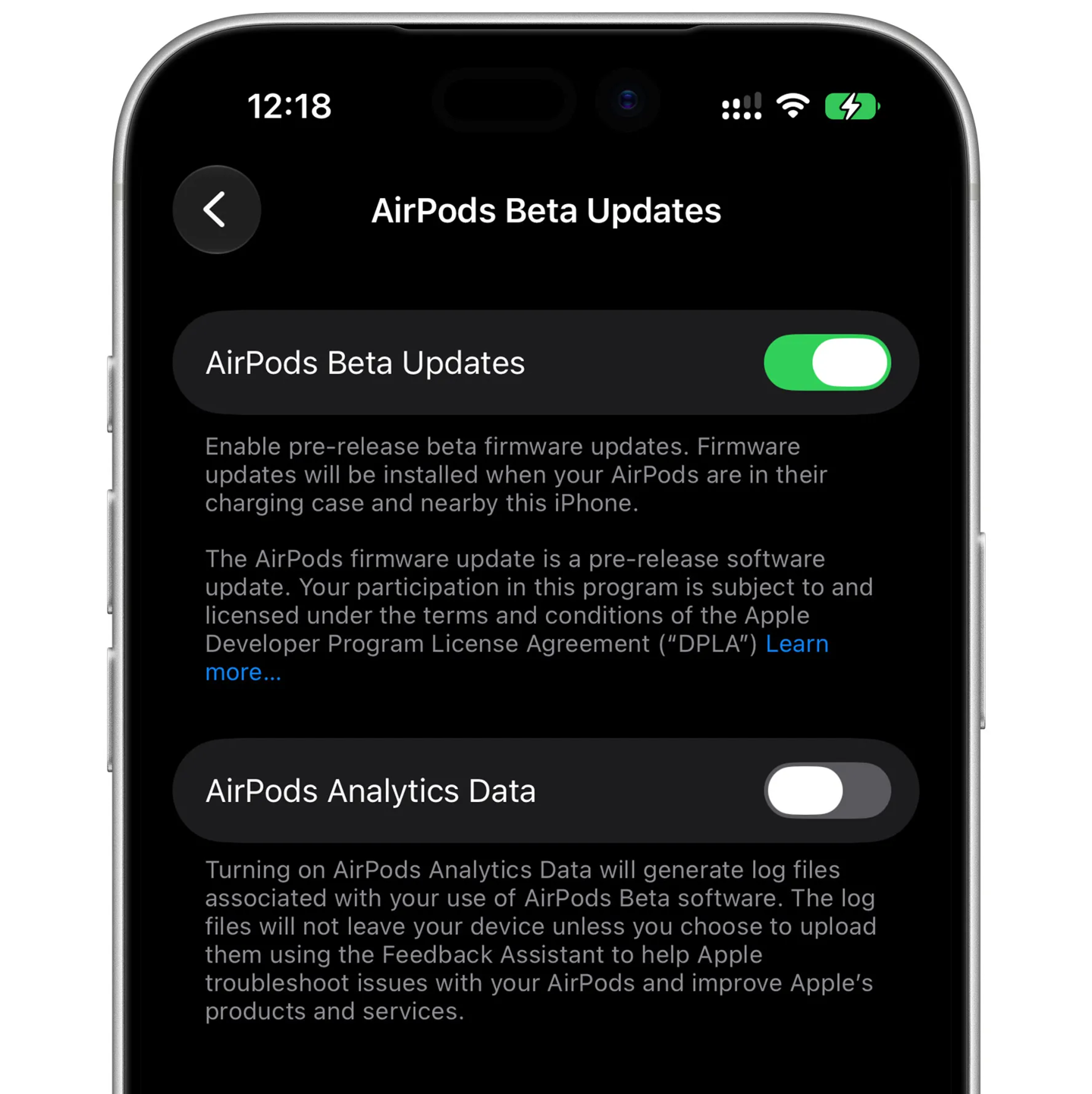
On devices running iOS 27 Beta 2 or macOS 27 Golden Gate Beta 2, a new “AirPods Beta Updates” toggle appears under Bluetooth settings for the headphones. With the switch enabled, placing the AirPods Max 2 in their charging case near a paired iPhone or Mac triggers an automatic beta firmware installation.
RCS Gets Inline Replies
Cross-platform messaging takes a meaningful step forward with the addition of inline replies for RCS conversations — bringing the experience closer to parity with iMessage.
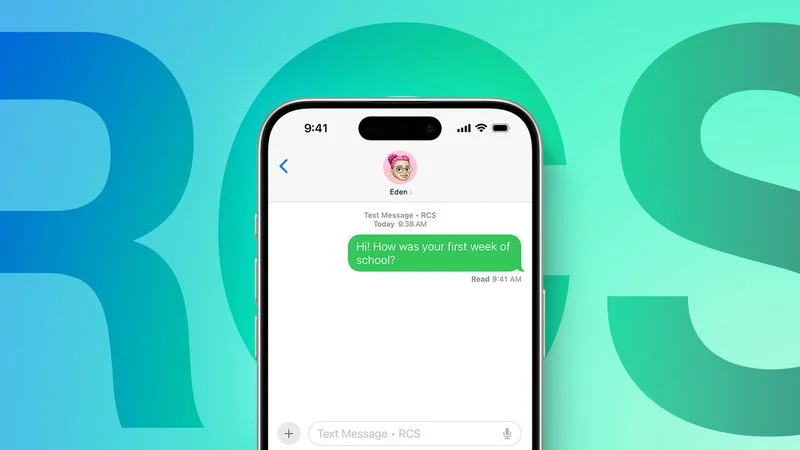
Long-pressing any RCS message now presents a reply option, allowing users to quote and respond to specific messages in the thread, just as they would in an iMessage conversation.
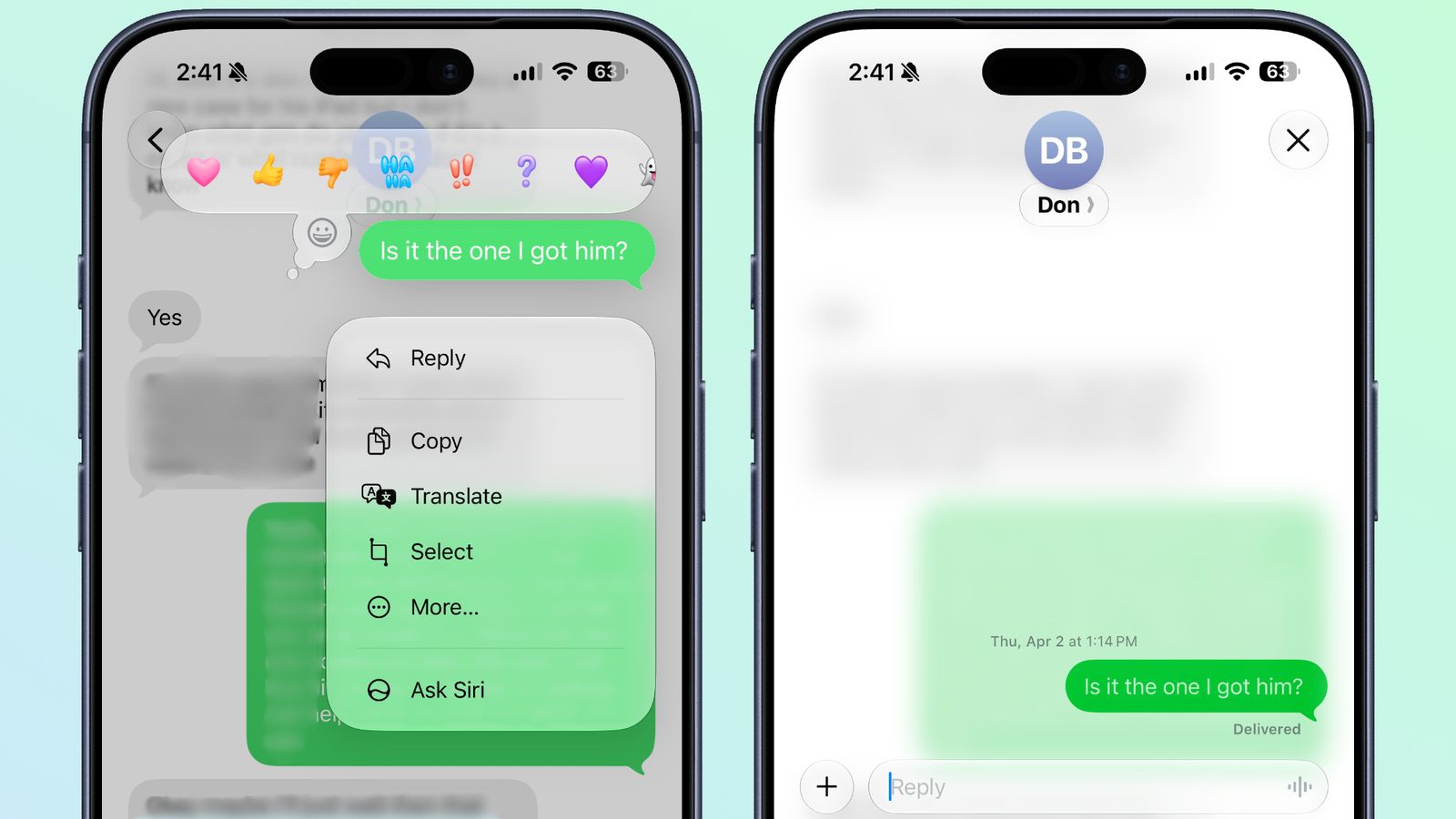
Better Tapback Display for Images and Video
iOS 27 also refines how Tapback reactions appear on media. In iOS 26, reacting to a photo or video would show a text description such as “[x loved an image].” With iOS 27, the emoji reaction is now overlaid directly on top of the image or video thumbnail, delivering a visual treatment that mirrors iMessage behavior.

Stability and Performance
Rounding out the release, Beta 2 addresses crash issues present in the initial beta and improves the stability of iPhone Mirroring across iOS 27 and macOS 27. As always with developer betas, users should expect some remaining rough edges and are advised against installing on primary devices.