OpenAI Redesigns Its Mac ChatGPT App to Unite Chat, Work, and Coding
There’s a quiet redesign unfolding inside OpenAI’s macOS app — and it’s more than a new coat of paint. The company’s refreshed desktop ChatGPT application, first previewed in early July, is now coming together as three distinct workspaces under one roof: Chat, Work, and Codex.
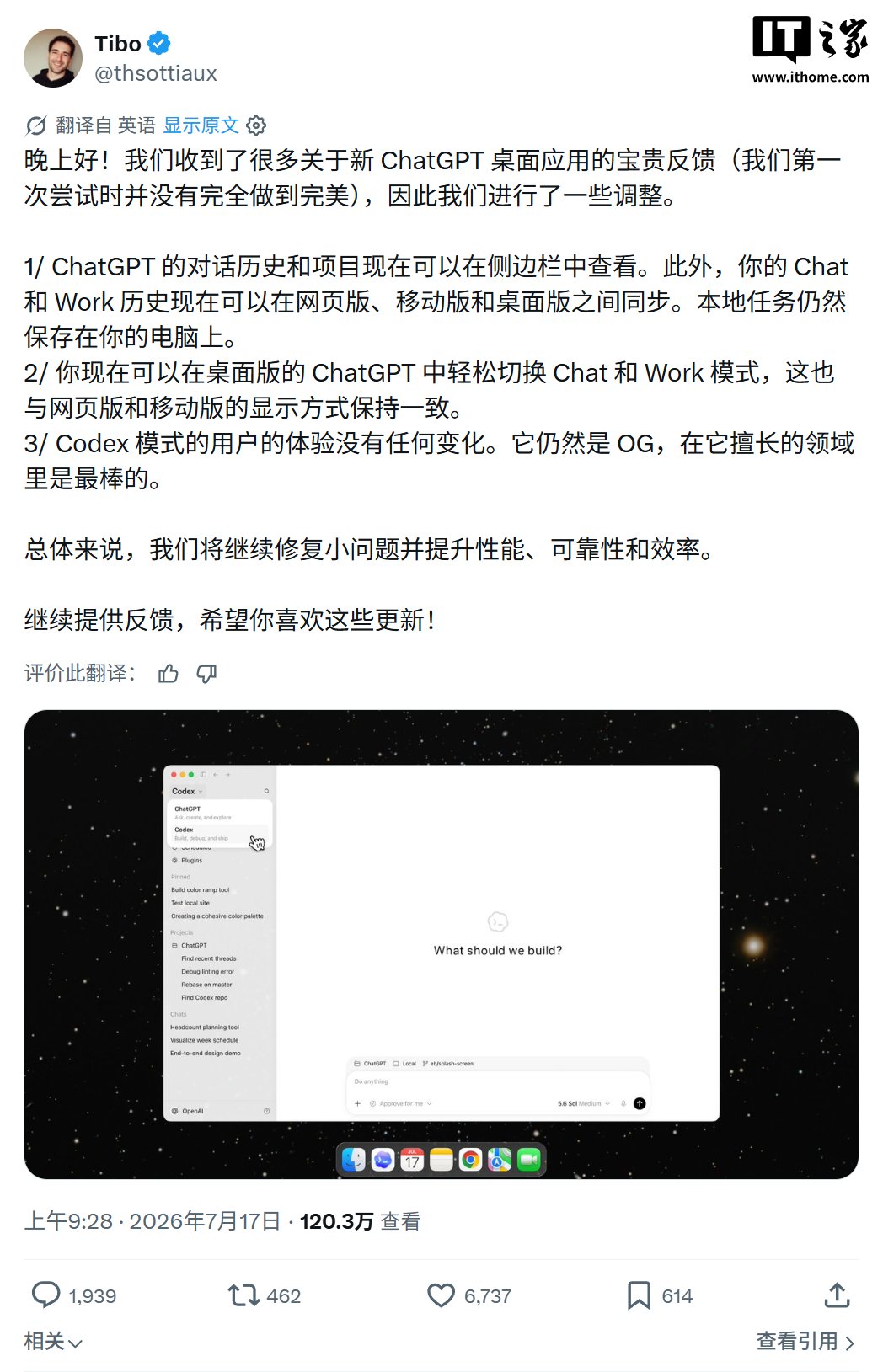
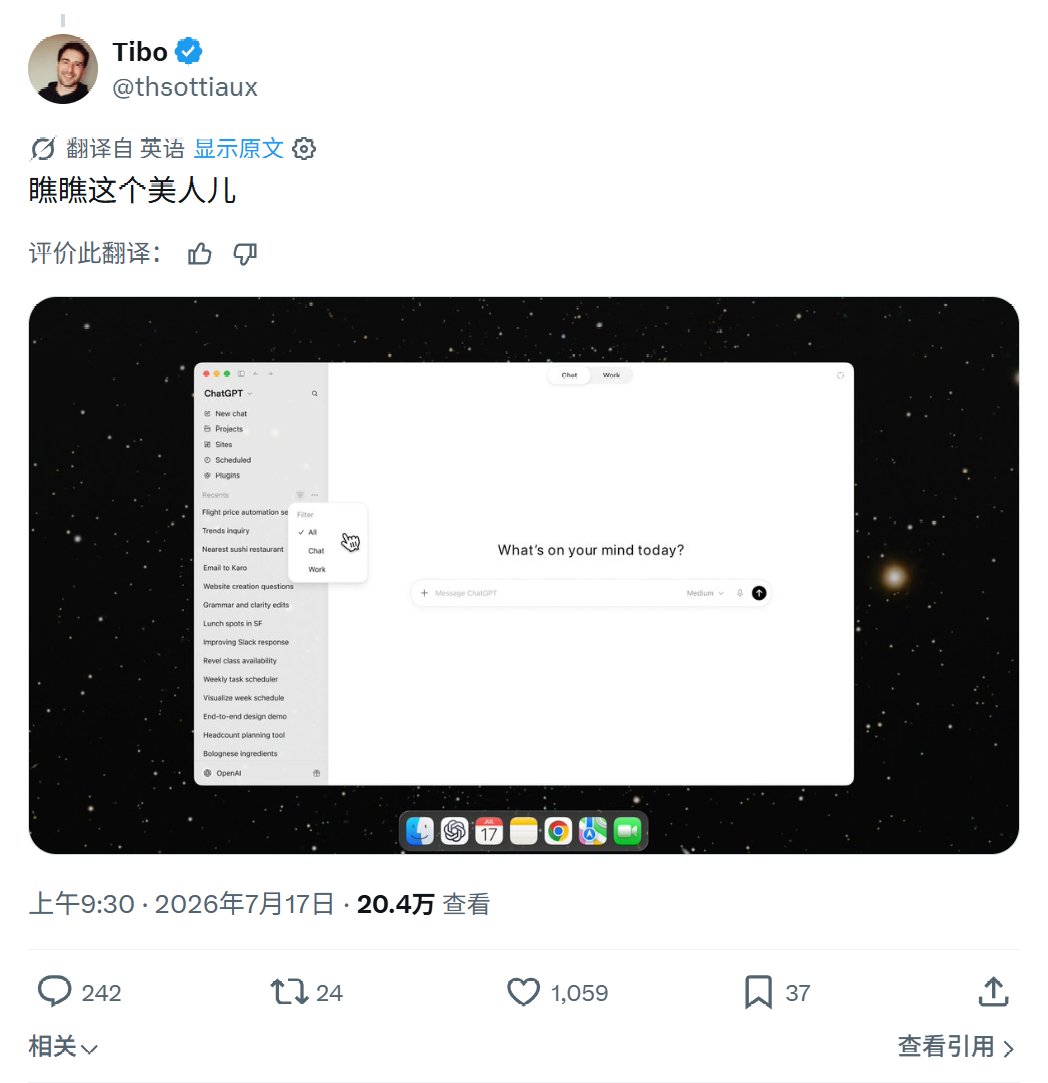
Core product lead Tibo Sottiaux shared screenshots on X (formerly Twitter) Thursday, showing a unified sidebar interface where users jump between casual conversation, structured work tasks, and AI-assisted coding without juggling separate windows. The message is clear: OpenAI wants ChatGPT to be more than a chat window.
The redesign folds the standalone Codex desktop app into the broader ChatGPT application. After the update, a sidebar on the left gives access to all three modes. Your Chat and Work histories sync across web, mobile, and desktop — start a thread on your phone, finish it on your Mac. Local task data stays on your machine.
“We received a lot of valuable feedback on the new ChatGPT desktop app,” Sottiaux wrote. “We didn’t get it perfect on the first try, so we made some adjustments.”
The most visible change is a dedicated Work mode sitting alongside the familiar Chat interface. Users toggle between them on desktop the same way they already do on the web and mobile versions — same layout, same behavior. It’s a small shift, but it makes the app feel less like a chatbot and more like a productivity tool you’d actually dock in your menu bar.
Codex users, for their part, should notice little disruption. “Codex is still the OG,” Sottiaux said. “It’s the best at what it does.” Existing Codex tasks and projects carry over, and anyone who prefers the old look can keep the Codex app icon in the settings.
OpenAI has been pushing hard to turn ChatGPT into something broader than a text generator. The desktop redesign pairs with recent moves like the Atlas browser project and voice mode to embed the company’s AI into more of the daily workflow. The bet is simple: chat, work, and coding don’t need separate tools — they just need different tabs inside the same brain.