Hackers cloned a popular Mac clipboard manager to steal passwords and crypto
Cybersecurity firm Jamf has uncovered a campaign where attackers are impersonating the official website of Maccy — a well-known macOS clipboard management tool — to trick users into downloading malware-infected installers.
The threat actors set up a fake Maccy website and promoted it through search engine ad rankings, a classic typo-squatting and brand impersonation play that continues to snare unsuspecting users. When someone downloads what they believe is the legitimate Maccy app, they actually get a malicious installer bundled with a piece of malware Jamf tracks as PamStealer.

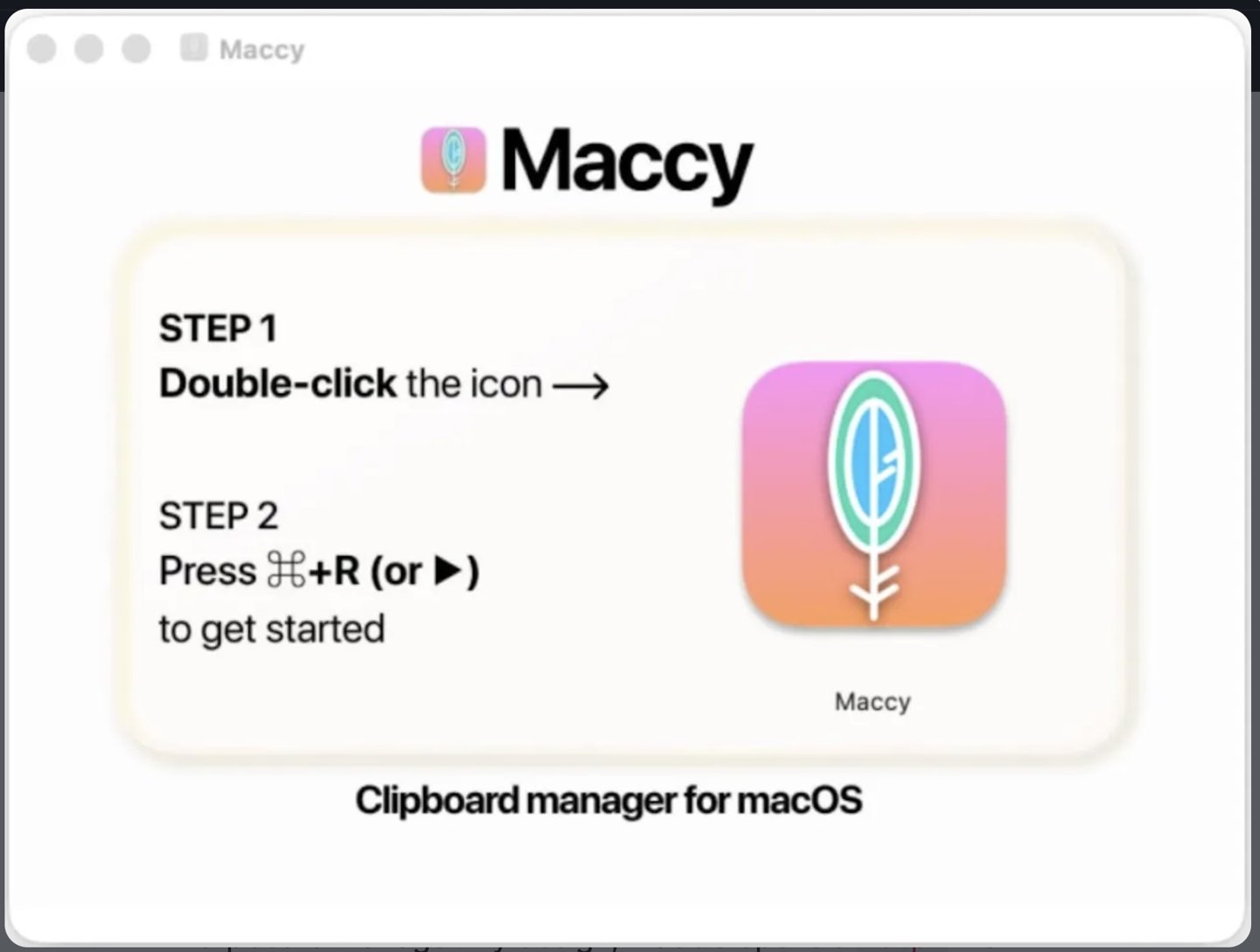
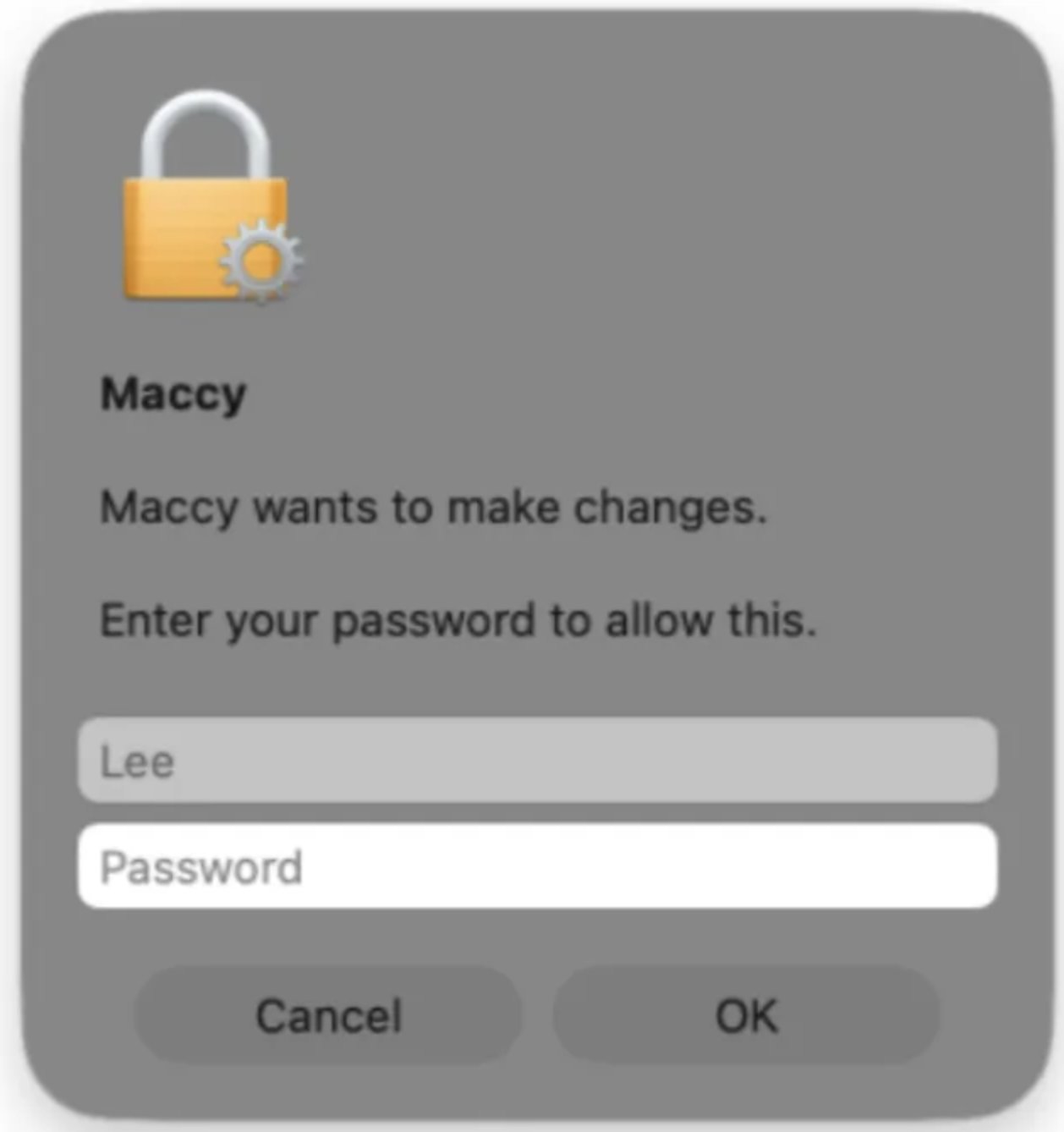
The attack chain is more sophisticated than a simple bundled trojan. After the user double-clicks the fake installer, an embedded AppleScript first checks whether it’s running inside a sandboxed environment — a common evasion technique. If the coast is clear, the script triggers macOS’s native PAM authentication mechanism, which pops up the operating system’s own administrator password dialog. That’s a clever detail: the prompt looks and behaves exactly like a legitimate macOS auth request, because it is one. There’s no fake UI to tip off a wary user.
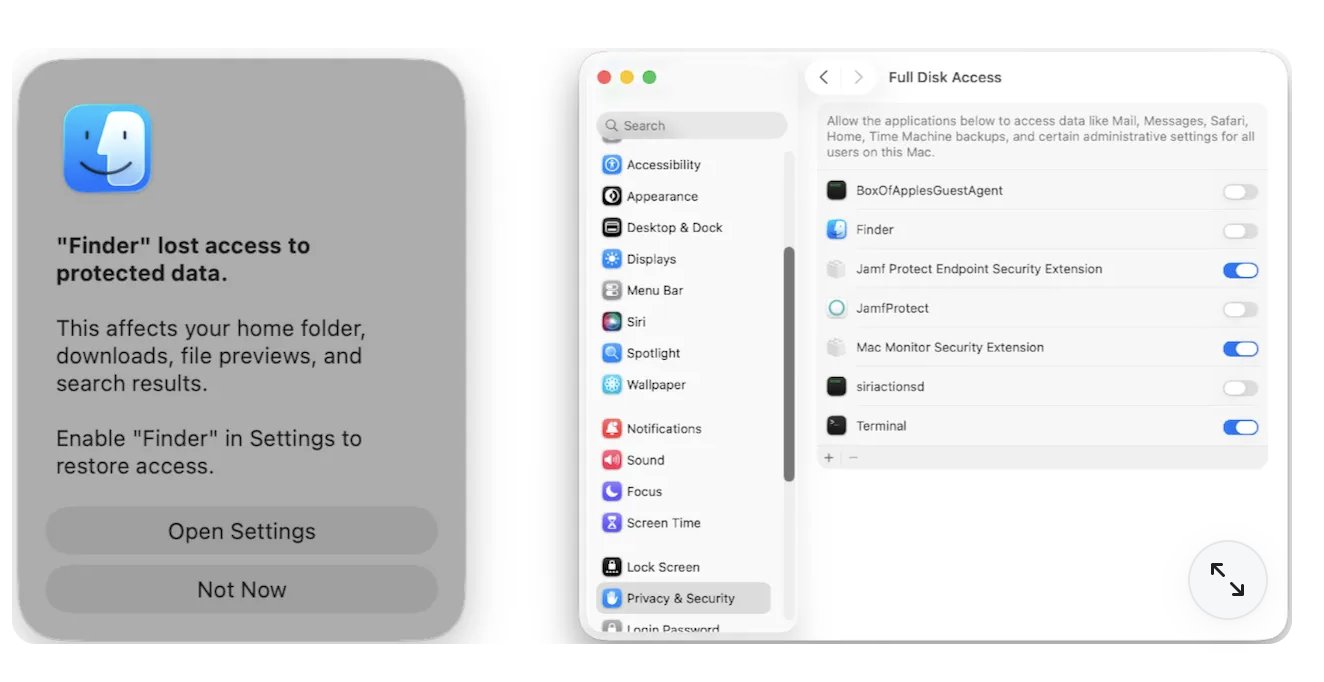
Once the victim enters their admin credentials, the installer reaches out to a remote server controlled by the attackers and pulls down the PamStealer payload. Written in Rust, the malware disguises itself as the macOS Finder application — the file manager that ships with every Mac. After launch, it systematically collects browser credentials, cryptocurrency wallet data, and clipboard contents from the infected machine. It encrypts everything before uploading it to the attacker’s command server, giving the hackers material they can later use for extortion.
It’s a reminder that even well-reviewed Mac apps with a strong community presence can be weaponized against their own user base. Maccy is a legitimate open-source clipboard manager with thousands of daily users, which is precisely what made it an attractive target. The real Maccy website is at maccy.app — a detail worth double-checking before hitting that download button.
Jamf has shared indicators of compromise and detection rules with its security platform customers. Users who suspect they may have downloaded a fake Maccy installer should change their passwords, rotate API keys, and revoke any saved cryptocurrency wallet credentials from the affected machine.