Huawei MateBook 14 gets user hierarchy controls in latest HarmonyOS update
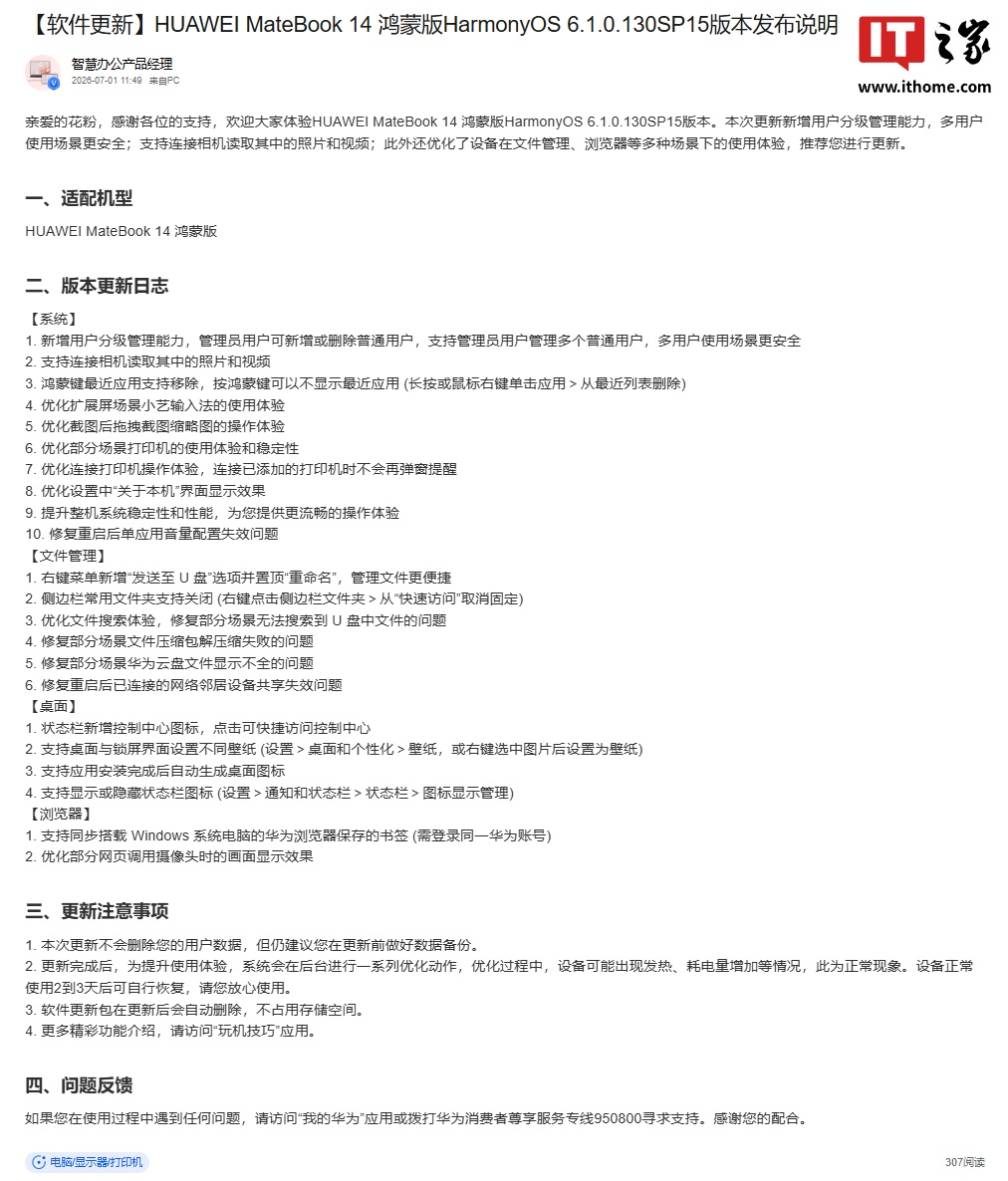
Huawei is rolling out a substantial HarmonyOS update for the MateBook 14, and the headline feature is one most laptop operating systems take for granted: proper user hierarchy management. The update, version 6.1.0.130 SP15, lets administrators create and delete standard user accounts, and manage multiple users from a single login — a meaningful upgrade for anyone sharing a machine between work and personal use, or across family members.
The user management overhaul is the flagship change, but the update list runs deep. Huawei has added the ability to connect a camera directly to the laptop and browse photos and videos from it, eliminating the need for card readers or intermediary transfers. The HarmonyOS key’s recent-apps menu can now be toggled off, and the control center has its own status bar icon for faster access.
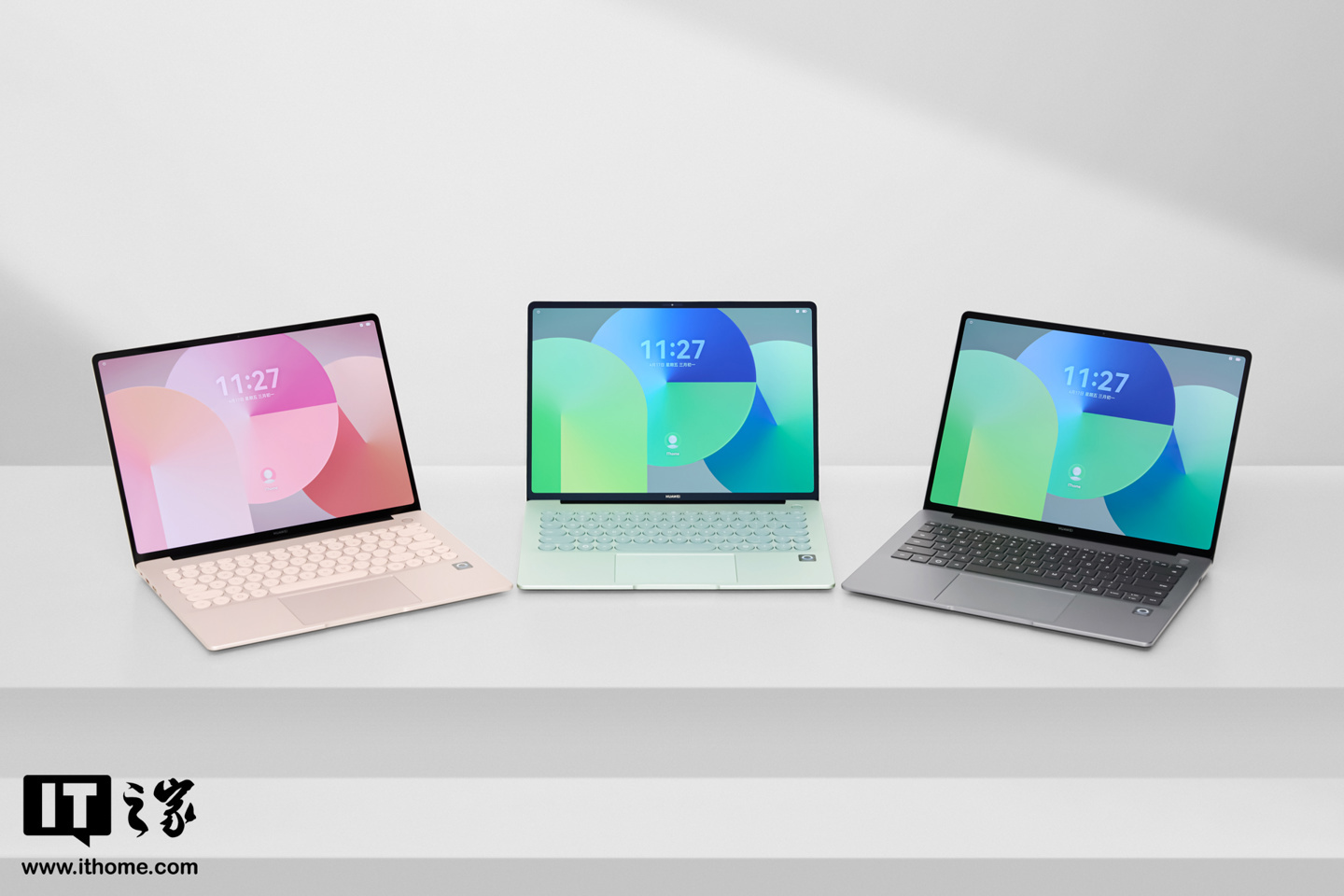
On the customization side, the update finally supports setting different wallpapers for the desktop and lock screen, and newly installed applications will automatically generate desktop icons. The status bar icon visibility is now user-configurable through Settings, and the right-click context menu has been streamlined with a “Send to USB drive” option and a promoted Rename command.
File management gets several refinements. Huawei has improved the search experience and fixed a bug where files on USB drives wouldn’t show up in certain search scenarios. Archive extraction failures in some edge cases are resolved, and issues with Huawei Cloud Drive files not displaying properly are addressed. Network neighbor device shares that previously broke after a reboot now persist correctly.
The update also brings cross-ecosystem convenience features. Bookmarks saved in Huawei Browser on a Windows PC can now sync over to the HarmonyOS device, requiring only the same Huawei ID on both machines. Printer connectivity has been stabilized, and the notification pop-up for reconnecting to already-added printers has been removed — a small quality-of-life fix that adds up.
On the performance side, Huawei lists general system stability improvements and a fix for a bug where per-app volume settings would reset after a restart. Camera feed quality in browser-based web calls has also been optimized.
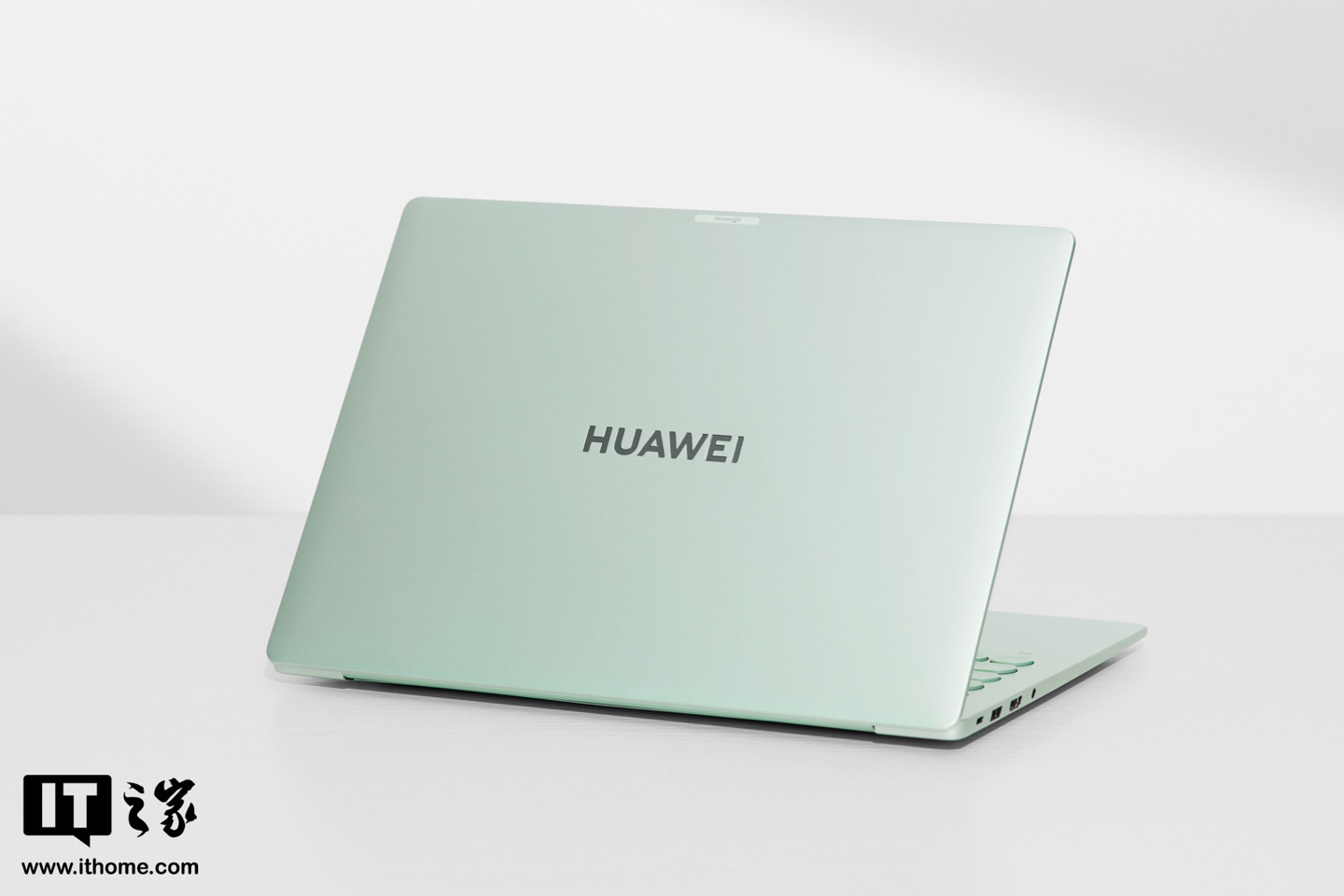
As is standard practice, Huawei is pushing the update in batches. Users who haven’t received the notification yet will need to wait for their region’s rollout window.