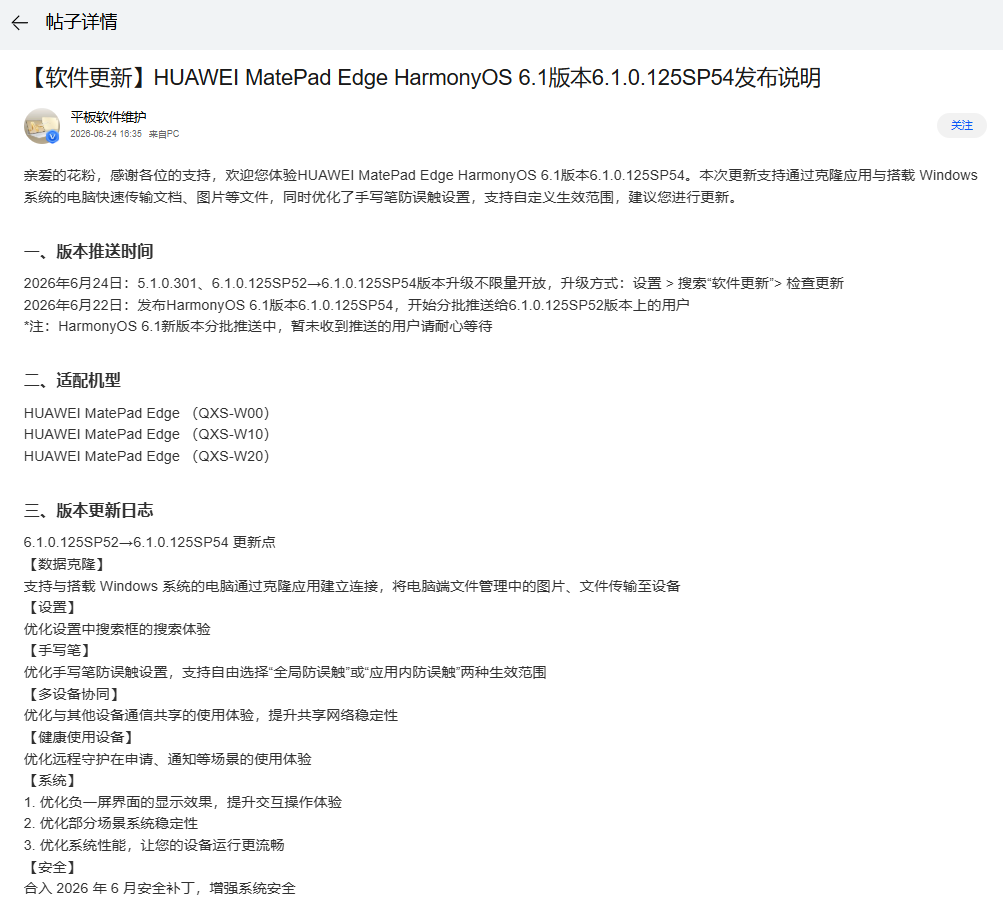
Huawei MatePad Edge Gets HarmonyOS 6.1.0.125 SP54 Update with Windows PC Connectivity
Huawei has begun rolling out the HarmonyOS 6.1.0.125 SP54 update for the MatePad Edge tablet, introducing support for direct file transfers with Windows PCs and a handful of quality-of-life improvements. The over-the-air update, which upgrades devices from version SP52, is now available to users across all MatePad Edge variants — the Wi-Fi-only QXS-W00, QXS-W10, and QXS-W20 models.
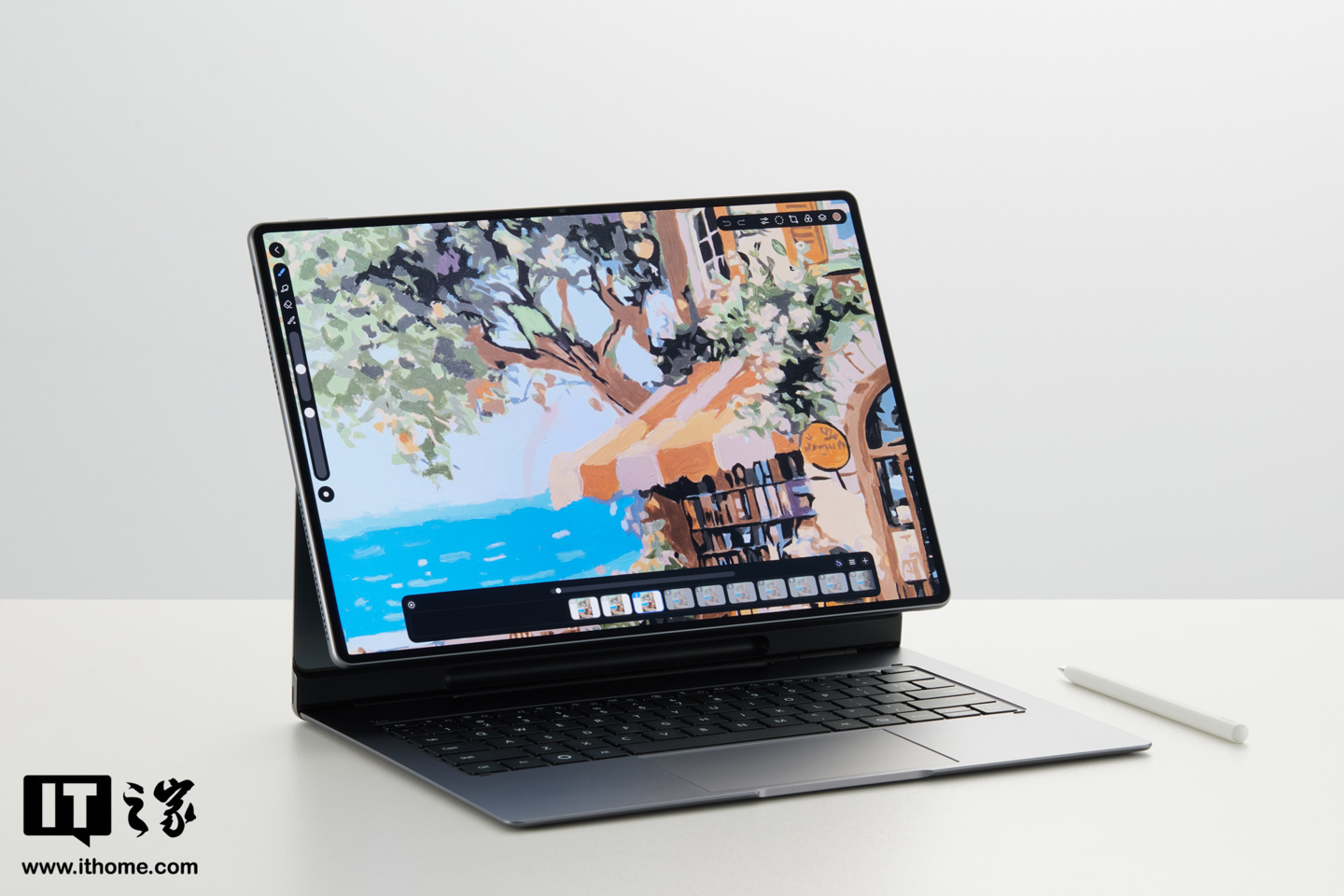
The headline feature is a new data cloning capability that allows the MatePad Edge to establish a connection with Windows computers through Huawei’s Clone app. Once linked, users can transfer documents, images, and other files directly from the PC’s file manager to the tablet, streamlining the workflow for those who regularly move between devices.
The update also refines the tablet’s stylus experience. Huawei has reworked the palm rejection settings, giving users the ability to choose between two modes: global palm rejection, which applies system-wide, or app-specific palm rejection, which only activates within designated applications. This granular control should prove useful for artists and note-takers who switch frequently between drawing and general navigation.
Several other system-level improvements are bundled in this release. The settings search function has been optimized for better responsiveness, and the multi-device collaboration framework — which handles communication sharing across Huawei’s device ecosystem — has received stability enhancements. The remote guardianship feature under Digital Balance also sees improvements to its notification and request workflows. The negative-one screen (Huawei’s leftmost home screen panel) benefits from a visual refresh with improved interaction feedback, while general system stability and performance have been tuned.
On the security front, the update integrates the June 2026 Android security patches, reinforcing the tablet’s defenses against known vulnerabilities.
The rollout follows a staggered schedule: the build was initially compiled on June 22 and began seeding to a limited batch of SP52 users before expanding to an unlimited release on June 24. MatePad Edge owners can check for the update manually by navigating to Settings > Software Update.